
5 Common Password Mistakes a Strength Checker Reveals
Jul 23, 2026
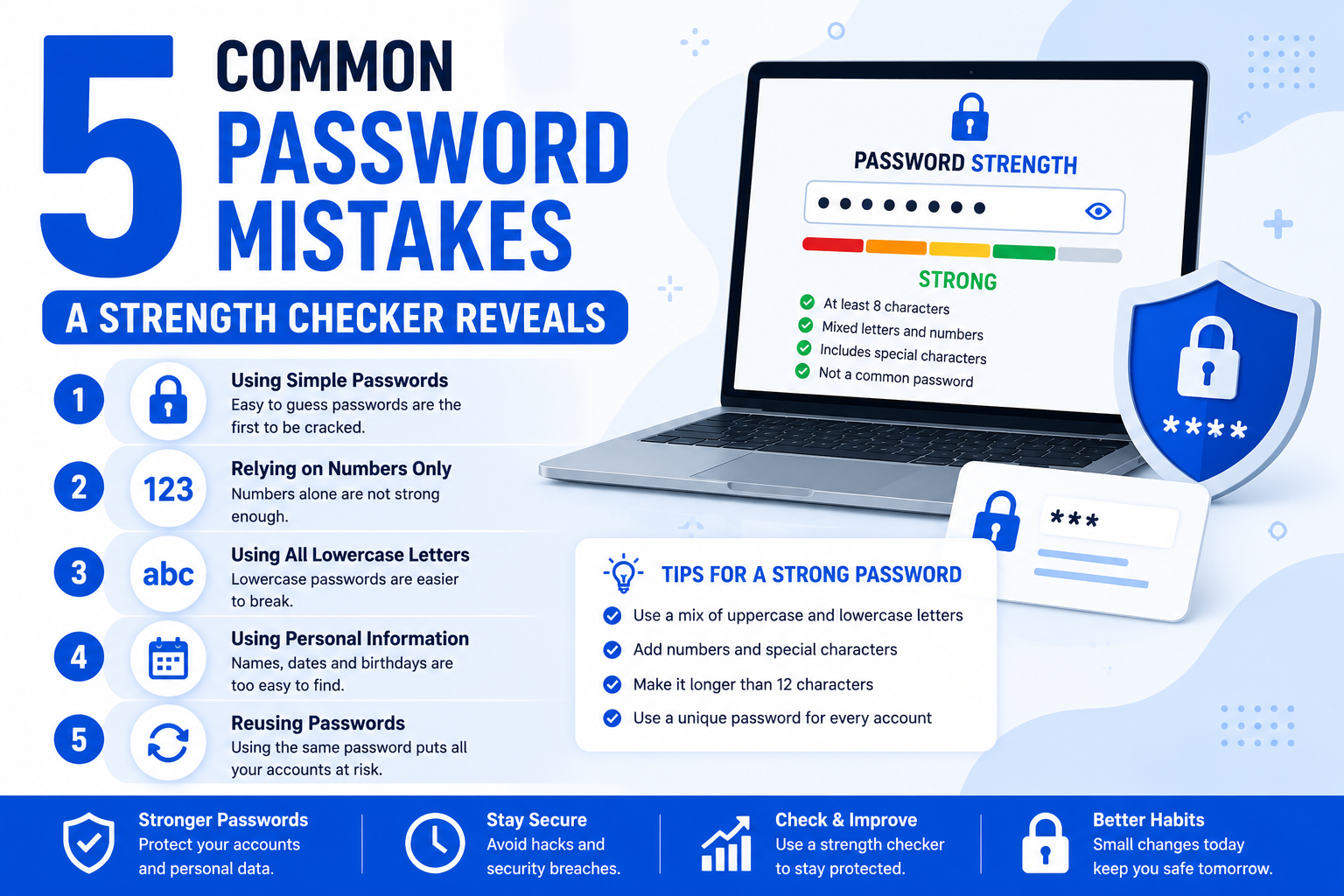
You type a password, hit check, and the bar turns red. Most people just add a number and move on. That doesn't fix the actual problem, it just hides it for one more login screen. This guide breaks down the five mistakes a password strength checker catches again and again, and what to do instead so the bar actually turns green for the right reasons.
A password strength checker usually flags five recurring mistakes: short length, predictable patterns like "123" or keyboard rows, reused passwords across sites, personal info such as names or birthdays, and missing character variety. Fixing these means using longer, random, unique passwords with a mix of letters, numbers, and symbols.
Why Strength Checkers Flag the Same Mistakes Repeatedly
Most people build passwords the same way. They start with a word they know, add a number, then maybe a symbol at the end. A strength checker isn't guessing when it flags this. It's comparing your input against patterns that show up in leaked password databases millions of times over.
Here are the five mistakes that come up most.
Mistake 1: The Password Is Too Short
Length matters more than most people think. An 8 character password can be cracked by modern hardware in hours, sometimes minutes. Every extra character multiplies the number of guesses an attacker needs to try.
A good rule of thumb: aim for at least 12 characters. Sixteen is better if the account matters, like your email or bank login.
Mistake 2: Predictable Patterns and Sequences
Checkers are quick to flag things like:
"123456" or "qwerty"
Keyboard rows such as "asdfgh"
Simple substitutions like "P@ssw0rd"
These patterns feel clever to the person typing them, but they're the first guesses in any cracking tool. Swapping an "a" for "@" doesn't add real security once attackers know that trick, and they do.
Mistake 3: Reusing the Same Password Everywhere
This one doesn't always show up as a red bar, but it's the most damaging habit on this list. If one site gets breached and you reused that password on five other accounts, all five are now at risk.
A password manager solves this without asking you to memorize a dozen strings. You can test how strong your current one is with our free Password Strength Checker before deciding if it needs replacing.
Mistake 4: Using Personal Information
Names, birthdays, pet names, and hometown streets feel private, but they're often public. A quick look at a social media profile can hand an attacker half your password. Strength checkers can't always detect this directly, but security guidance consistently flags it as a weak point because it shrinks the guessing pool dramatically.
Mistake 5: Skipping Character Variety
A checker rewards passwords that mix:
Uppercase letters
Lowercase letters
Numbers
Symbols
Skipping any one of these categories narrows the possible combinations an attacker has to try. It's a small change with a real effect on how long a password takes to crack.
A Quick Example
Compare these two:
Weak: Summer2024
Strong: Tr4ck!ngRiver_9Bend
The first follows almost every mistake above. It's short, predictable, and built from a season plus a year. The second is longer, mixes character types, and doesn't map to an obvious personal detail.
Strong Passwords vs Password Managers: Which Should You Rely On?
No single method is perfect for everyone. Memorized passwords work for a handful of critical accounts but don't scale. Password managers solve the scaling problem but add a single point of failure if the master password is weak. Passphrases are a middle ground, easier to remember than random strings, though slightly less resistant to targeted guessing if the words are predictable.
Frequently Asked Questions
What makes a password strength checker mark a password as weak?
It usually flags short length, common patterns, dictionary words, and lack of character variety.
Is a longer password always stronger than a complex one?
Length generally has a bigger impact than complexity alone, though combining both gives the best result.
Should I change my password if the checker shows it as strong?
Not necessarily, but you should still change it if it's reused elsewhere or older than a year or two.
Do password managers make strength checkers unnecessary?
Not entirely. A checker helps you evaluate memorized passwords, like your manager's master password, which still needs to be strong.
How often should I update my passwords? Every 6 to 12 months for important accounts, or immediately after any breach notification.
Explore More
Want to test your own password? Try the free Password Strength Checker, part of our Checkers & Validators collection.