
How to Validate JSON Without Breaking Your Code
Jul 23, 2026
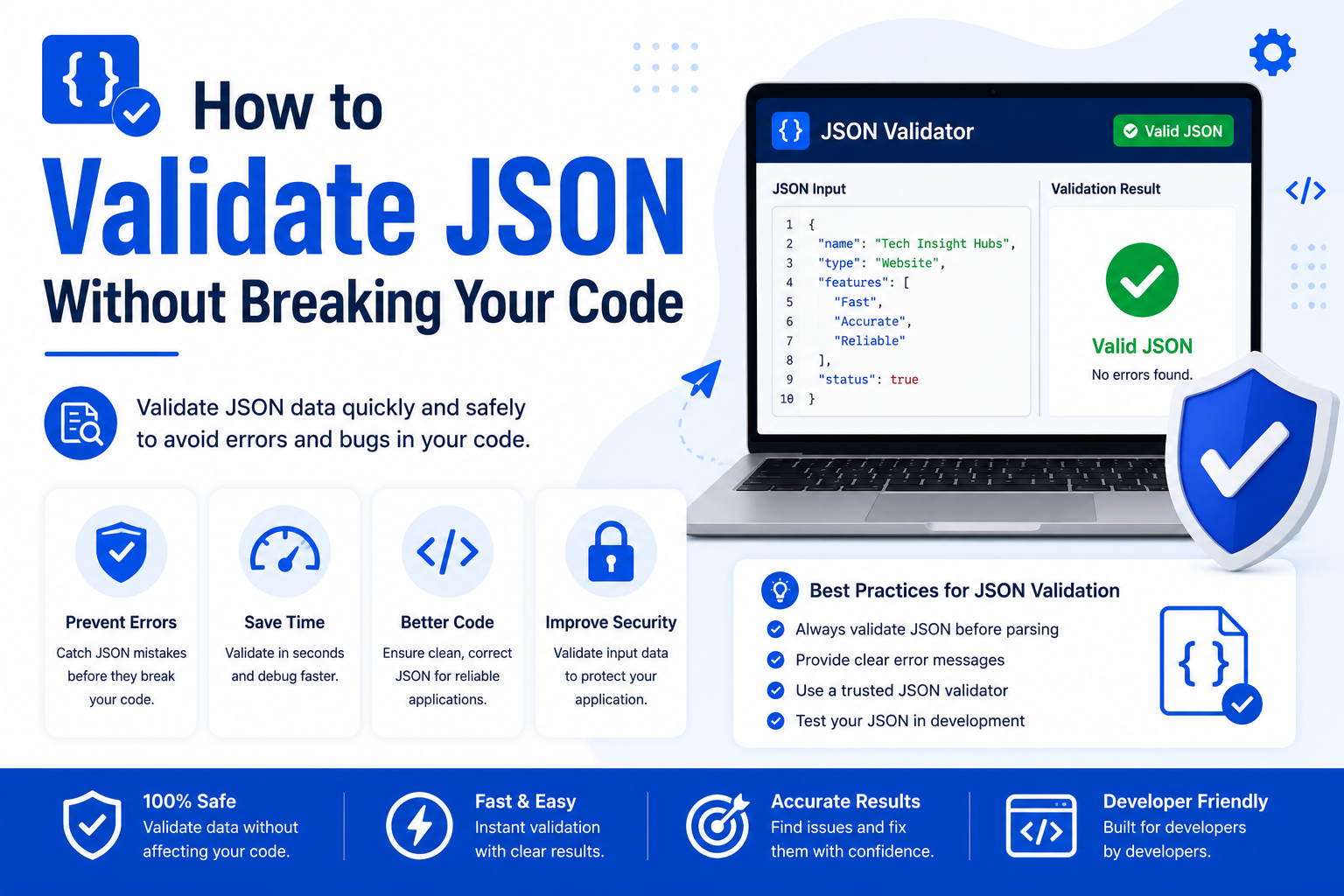
One misplaced comma in a JSON file and your whole app throws an error. It happens more than developers like to admit. This guide walks through how to validate JSON properly before it ever reaches your code, so a small typo doesn't turn into a debugging session at midnight.
JSON validation means checking that a JSON string follows correct syntax before your code tries to parse it. Doing this early catches issues like missing commas, unclosed brackets, or wrong data types before they cause runtime errors. A JSON validator tool does this instantly without needing to run your full application.
Why JSON Errors Break Code So Easily
JSON looks simple, but it's strict. Unlike some formats that forgive small mistakes, a JSON parser stops completely at the first syntax error. There's no partial success. Either the whole string parses or none of it does.
This matters because JSON often comes from places you don't fully control. APIs, config files, user input, and third party services all generate JSON that your code has to trust. If that JSON is malformed, your app can crash before it even gets to your actual logic.
Common JSON Mistakes That Cause Breakage
These are the errors that show up again and again.
Trailing Commas
JSON does not allow a trailing comma after the last item in an object or array. Many developers carry this habit over from JavaScript, where it's often allowed.
{
"name": "Ali",
"age": 25,
}
That extra comma after 25 will break most JSON parsers.
Using Single Quotes Instead of Double Quotes
JSON requires double quotes for both keys and string values. Single quotes are a JavaScript convenience that JSON does not support.
{ 'name': 'Ali' }
This is invalid JSON, even though it looks almost identical to a valid object.
Unquoted Keys
Keys must always be wrapped in double quotes. Writing { name: "Ali" } instead of { "name": "Ali" } will fail validation every time.
Mismatched Brackets and Braces
Every { needs a matching }, and every [ needs a matching ]. In deeply nested JSON, it's easy to lose track of one, especially when editing by hand.
Wrong Data Types
Sending a string where a number is expected, or forgetting to wrap null correctly, can pass basic syntax checks but still break the code that consumes the JSON later. Validation should include a look at expected types, not just brackets and commas.
How to Validate JSON the Right Way
Follow these steps before JSON ever reaches production code.
Paste the JSON into a validator before deploying or committing it.
Check the error message location, most validators point to the exact line and character.
Fix one error at a time. Fixing the first error often reveals a second one right after it.
Re-validate after every fix instead of assuming the rest is clean.
Run it through our free JSON Validator for an instant syntax check without touching your code editor.
This process takes seconds and saves you from chasing a runtime error with no clear source.
Validating JSON in Code vs Using an Online Tool
An online validator is the fastest way to catch a broken file before it goes anywhere. A try/catch block protects your running app but only tells you something broke, not always where. Schema validation goes further by checking that fields exist, types match, and required values are present, though it takes more setup time upfront.
Frequently Asked Questions
What does it mean to validate JSON?
It means checking that a JSON string follows correct syntax rules before your code tries to use it.
Can invalid JSON break my entire application?
Yes. Most JSON parsers stop completely at the first error, so even one broken line can crash the whole parsing process.
Do I need special software to validate JSON?
No. A free online JSON validator checks syntax instantly without installing anything.
What is the most common JSON mistake?
Trailing commas and single quotes are the two mistakes developers run into most often.
Is JSON validation the same as JSON schema validation?
No. Basic validation checks syntax only. Schema validation also checks structure, required fields, and data types.
Explore More
Before you push that JSON anywhere, run it through our free JSON Validator, part of our Developer Tools collection.