
10 Free Online Tools That Save You Hours Every Week
Jul 21, 2026
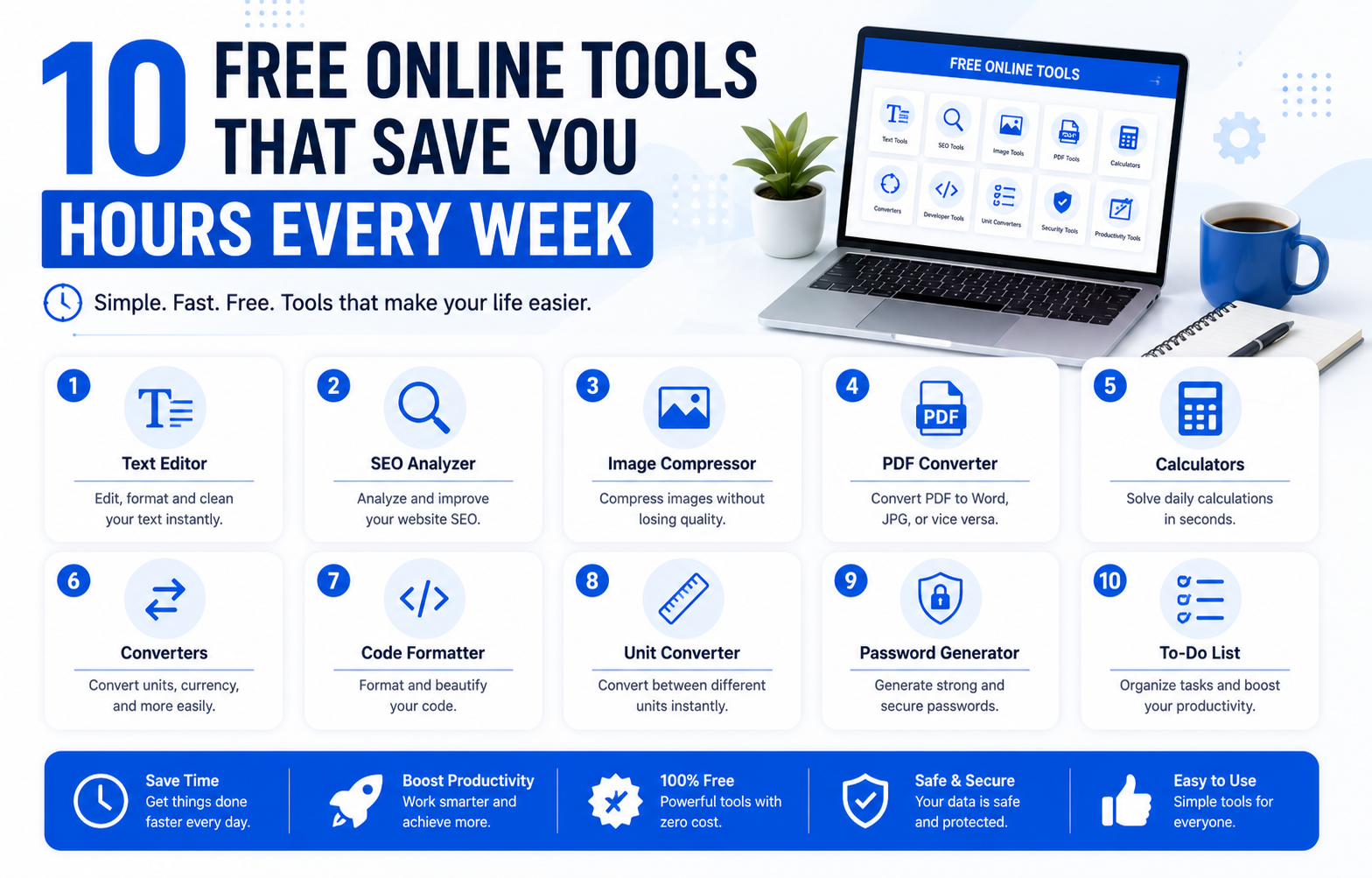
Stop Wasting Time on Everyday Tasks
Small tasks can take up a lot of your day. You may need to count words. Convert a file. Create a password. Clean text. Or calculate numbers. Doing these jobs by hand can waste time and energy.
The good news is that you do not need expensive software. Many free online tools can finish these tasks in seconds. They work in your browser. Most do not need a download or an account.
Quick Summary
Free online tools help you finish common tasks faster. They can count words. Generate passwords. Convert text. Create QR codes. Edit files. And perform quick calculations. The best tools are simple to use. They save time every week. They also work on most computers and mobile devices.
Why Free Online Tools Matter
Many people repeat the same small tasks every day. Students write assignments. Bloggers edit articles. Freelancers prepare client work. Office workers handle documents. Developers test code.
These jobs may seem small. But they can add up to hours every week.
The right online tool can complete these tasks almost instantly. This gives you more time to focus on work that really matters.
1. Word Counter
A word counter is one of the most useful tools online. It counts words and characters in seconds.
This tool is perfect for students. Writers. Bloggers. And marketers.
It also helps you meet writing limits for essays and social media posts.
Best for
Students
Bloggers
Content writers
Copywriters
2. Password Generator
Weak passwords are easy to guess. A password generator creates strong passwords that protect your online accounts.
You can create long passwords with numbers and symbols. This improves your online security without any extra effort.
Best for
Personal accounts
Business accounts
Email security
Online banking
3. QR Code Generator
Sharing long links can be difficult. A QR code generator makes it easy.
People simply scan the code with their phone.
Businesses use QR codes for menus. Payments. Websites. And WiFi sharing.
Best for
Small businesses
Teachers
Restaurants
Events
4. Text Cleaner
Copied text often contains extra spaces or unwanted line breaks.
A text cleaner removes these problems with one click.
It saves time when working with documents or copied content.
Best for
Students
Bloggers
Office workers
5. Case Converter
Changing text by hand takes time.
A case converter changes uppercase to lowercase or title case instantly.
It is useful when editing reports or blog posts.
Best for
Editors
Writers
Students
6. PDF Tools
PDF files are used almost everywhere.
Online PDF tools help you merge files. Split documents. Compress large files. Or convert them into other formats.
This saves time and avoids installing large software.
Best for
Office work
School projects
Business documents
7. Age Calculator
An age calculator gives your exact age in years months and days.
It is useful for forms. School records. Insurance. And personal planning.
The result appears instantly.
Best for
Parents
Students
HR teams
8. JSON Validator
Developers often work with JSON data.
A JSON validator checks your code and finds formatting mistakes quickly.
This helps reduce errors during development.
Best for
Developers
API testing
Students learning coding
9. Unit Converter
A unit converter changes one measurement into another.
You can convert length. Weight. Temperature. Speed. And much more.
This is useful for travel. School. Cooking. And engineering.
Best for
Students
Engineers
Travelers
10. Slug Generator
A slug generator turns long titles into clean website links.
This helps improve website organization and supports better search engine optimization.
It is a useful tool for bloggers and website owners.
Best for
Bloggers
SEO professionals
Website owners
Who Can Benefit From These Tools
These tools are useful for almost everyone.
Students can complete homework faster.
Bloggers can write and edit content with less effort.
Freelancers can finish client work more quickly.
Office workers can manage documents with ease.
Developers can test data and fix errors faster.
Small business owners can improve daily productivity without spending money.
Free Online Tools Versus Desktop Software
Both online tools and desktop software have benefits.
Free online tools are fast. Easy to access. And work from almost any device. Most do not require installation.
Desktop software may offer more advanced features. It can also work without an internet connection.
For everyday tasks free online tools are usually the better choice because they are simple and save time.
Are Free Online Tools Safe
Many trusted online tools are safe to use.
Choose websites that use HTTPS.
Read the privacy policy before uploading important files.
Avoid tools that ask for unnecessary personal information.
For sensitive work use tools that process data inside your browser whenever possible.
Pros
Free to use
Fast results
Easy for beginners
No installation in most cases
Works on many devices
Saves time every day
Cons
Some tools need internet access
Free versions may have limits
Not every website protects user privacy
Advanced features may require paid software
Final Thoughts
Saving time does not always require expensive software.
The right free online tools can make everyday work easier. They reduce manual effort. They improve productivity. And they help you finish tasks faster.
Whether you are a student. A blogger. A freelancer. Or a business owner. These tools can become part of your daily routine.
Start with the tools you need most. You may be surprised by how many hours you save each week.
Frequently Asked Questions
What are the best free online tools?
Some of the most useful tools include a word counter. Password generator. QR code generator. Text cleaner. PDF tools. JSON validator. Unit converter. And age calculator.
Are free online tools really free?
Many online tools are completely free. Some websites also offer premium features for advanced users.
Can I use these tools on my phone?
Yes. Most modern online tools work on mobile phones. Tablets. And desktop computers.
Do I need to create an account?
Most free online tools work without an account. You can open the website and start using the tool right away.
Are online tools better than desktop software?
For everyday tasks online tools are usually faster and easier. Desktop software is better for advanced projects that need extra features.
Which online tool saves the most time?
The answer depends on your work. Writers often use word counters and text cleaners. Businesses use QR code generators. Developers use JSON validators. Office workers use PDF tools every day.